
War of Genesis: Idle Loot Opening-week troubleshooting
What Steam discussions reported after 10 September 2026, and what to try before you refund.
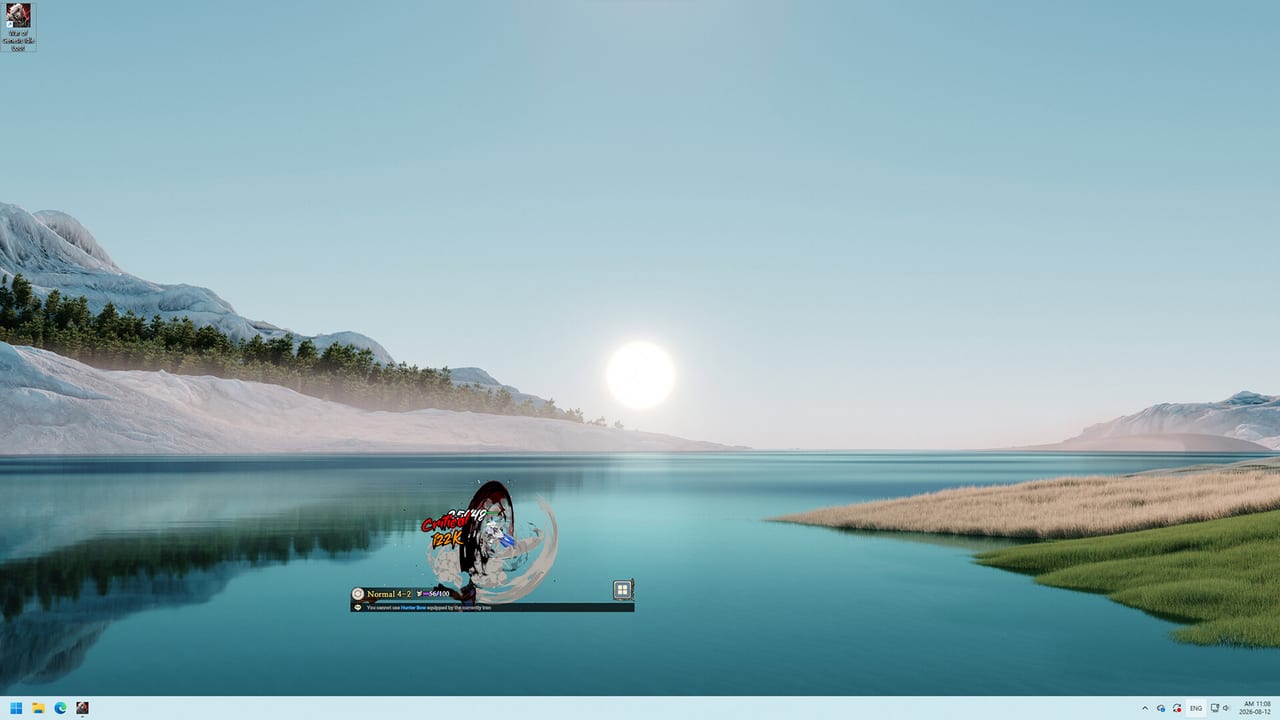
Steam Early Access began 10 September 2026. Within a day the board filled with launch-blocking threads: Windows 11 refusing an unsigned executable, a Steam Login button that does nothing, login loops, double charges, accounts that look banned after a refund, maps that will not switch, raids and arena that will not open, a shop spinner, slow Diamond ticks, accelerator complaints, and unverified mining posts. Steam reviews sat Mixed. This page is triage. Confirm status on Steam News and the updates hub. Hardware steps: system requirements.
Unsigned executable on Windows 11
Symptom: the overlay never starts; Windows or SmartScreen flags Genesis.exe as an unknown app. Opening-week posters called this an unsigned Windows 11 executable.
Launch from the Steam library only. If SmartScreen appears, use More info → Run anyway after you confirm Steam downloaded the file. Verify integrity. If antivirus quarantines the overlay, restore that one Steam-folder file — do not disable AV globally. Specs: requirements page. Do not download a “signed” replacement from Discord.
Steam Login unresponsive or looping
Symptom: the in-game Steam Login button ignores clicks, or the client cycles login forever. Threads appeared in English, Chinese, Korean, and with notes that retrying later sometimes worked — a sign of server strain, not only a local bug.
Restart Steam, then the game. Avoid launching while Steam is updating. Wait 10–15 minutes during peak KST hours; several Commanders said a later retry worked. Check Steam discussions for a live outage before you reinstall. Verify files first. If login never returns, post a timestamp on discussions or Discord. Do not create a second Commander “to test” billing.
Double purchase and account blocking
Symptom: a first-journey pack, expedition contract, or similar IAP deducts twice; a refund then appears to lock the account. Opening-week titles included “Double purchase issue and account blocking” and regional threads about duplicate charges.
Screenshot Steam purchase history and the in-game receipt. Open a Steam ticket and a thread with those IDs. Stop retrying a spinning buy button. Do not share Steam Guard with anyone offering to “unlock” the account. This wiki cannot lift a ban; it can tell you refund-plus-lock reports existed, so document before you spam purchases.
Cannot switch maps, raids, or arena
Symptom: after a session or after a patchy login, map change does nothing; Alliance Raids, World Boss, or Arena stay grey or spin. One high-reply thread described this starting “since yesterday.”
Restart the client, then Steam. If the overlay is up but the world list is dead, you are on a stuck session rather than a missing unlock. You still need an Alliance for raids — see Alliance Raids — but a first-hour Commander should be able to change stages. If everyone in your region is stuck, wait for a server bounce rather than deleting %LOCALAPPDATA%Low saves. Paths: system requirements.
Shop spinner
The shop shows a spinning wait cursor and never completes a buy. Do not mash purchase. Close the panel, restart, and check Steam Wallet history first. A spinner plus a completed charge is how double-purchase threads start. Paid passes are optional; the roadmap notes free-to-play with optional paid items.
Diamond income feels slow
Commanders report about one Diamond every four hours. That drip gates Market listings. Slow Diamonds are usually working as designed. Spend them on growth or on a listing using the marketplace guide. A ticker frozen at zero for a day is a ticket. Stage loot still flows through farming and blacksmith without Diamonds.
Accelerators, cheats, and mining talk
Players asked the studio to ban speed accelerators. Do not use them, and do not ask this wiki how they work. Report obvious speed hacks in Arena or raids. A trainer will not make a Swordsman survive a ban wave.
A thread asked whether the client is mining. Treat that as an unverified player concern, not a confirmed fact. High CPU on a transparent 3D overlay can look scary. Check Task Manager for the Steam-installed exe path. If a binary lives outside the Steam common folder, you have malware, not Idle Loot. Do not turn off Windows security to “make FPS better.”
Once login and maps work, return to Getting Started and how to play. Track patches on the roadmap. SmartScreen on first boot is a requirements problem, not an economy problem.
Frequently Asked Questions
Quick answers to the most common questions.
Windows 11 blocks the game as unsigned. Is that normal?
It was a common opening-week report. Follow system requirements and only run the Steam-installed executable.
Steam Login does nothing. Should I reinstall immediately?
Restart Steam first and retry later; several threads said a later login worked. If it persists, post on discussions and see launch issues for the rest of the checklist.
I was charged twice and then blocked. What now?
Save Steam receipts and contact Steam plus the studio. Do not keep clicking a spinning shop. Context for paid items is on the roadmap.
Are slow Diamonds a bug?
Usually no. Listings cost a Diamond; see the marketplace guide. A ticker stuck at zero for a long stretch is the actual bug.
Is Idle Loot a hidden miner?
That accusation is unverified. Check that the process path is the Steam folder listed on system requirements. Do not disable antivirus because a forum post was scared.
Maps, raids, and arena will not open. Did I miss an unlock?
Opening-week threads describe a switch bug, not only a missing Alliance. Restart, then read Alliance Raids if the buttons work for everyone else.